Apply filter in Event Log
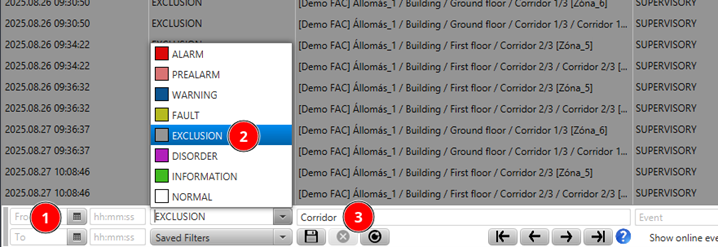
Go to Event Log and apply a filter.
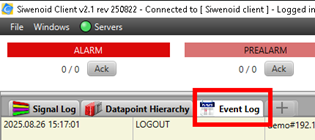
Help: Open the Event Log. Click on the Filter button and set your filter criteria such as date, category or datapoint. Apply the filter and check that the list updates accordingly.
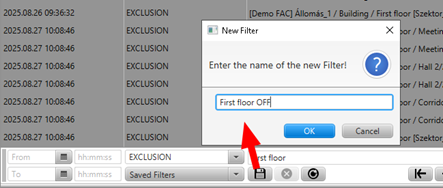
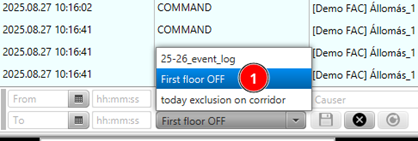
Save/recall Event Log filter
Apply a filter and then save it with a name you like.
Help: In the Event Log apply a filter. Then click Save filter and give it a name. To recall it click on the saved filter name from the list.