Users & Groups
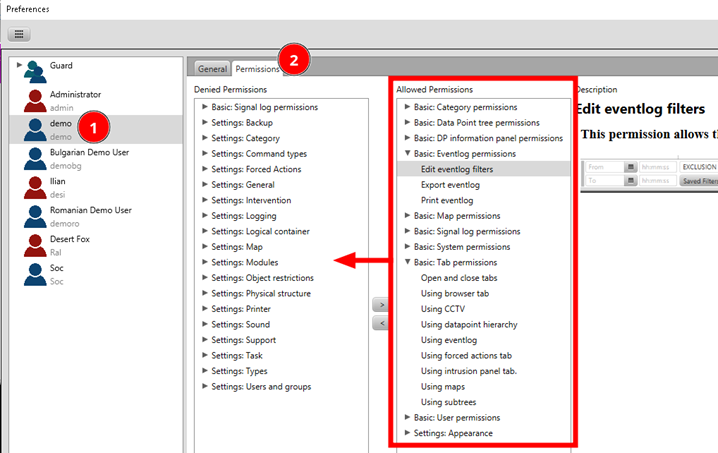
In this section we practice how to allow and disallow certain elements of the user interface to a specific user.
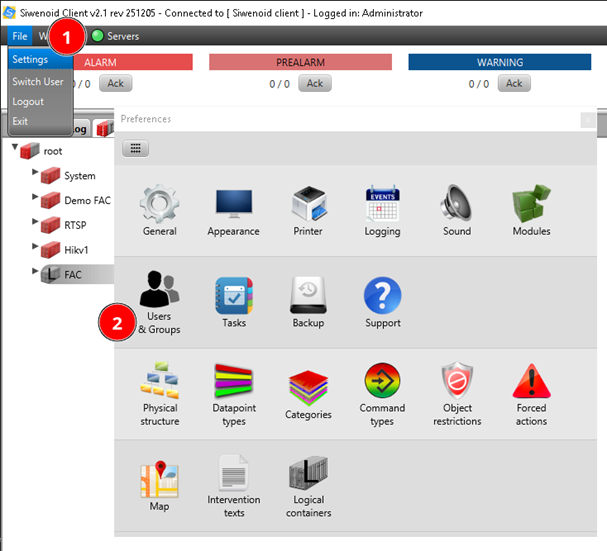
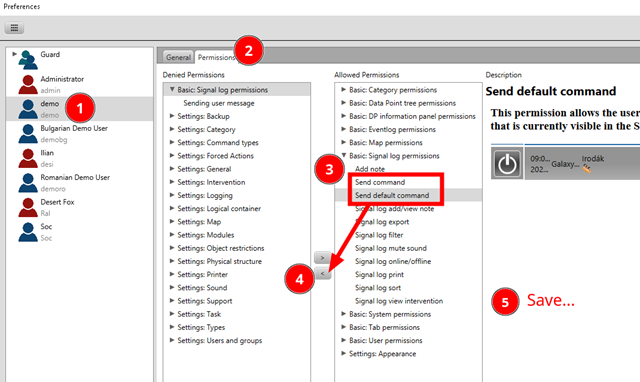
Go to File → Settings → Users & Groups. Select demo user and disallow him to send command and default command. Don’t forget to Save!
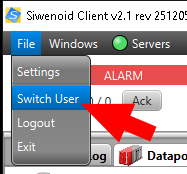
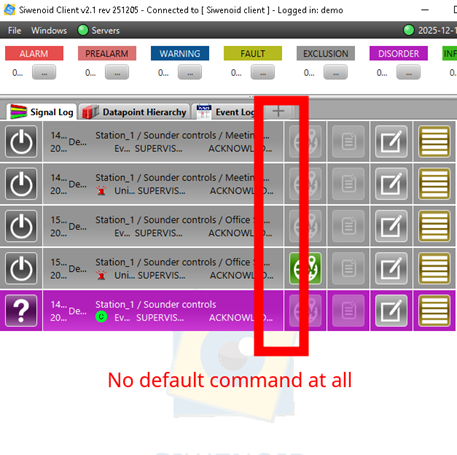
Use File → Switch User → demo/demo to check the changes. Check that default commands are hidden in the Signal Log.
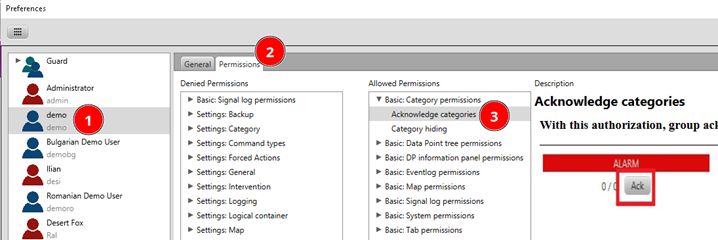
Now try to disallow the category ACK button to be available to demo user.
Try to restrict the user in any other feature. Always undo your changes to restore original permissions before end of your session.